
Your voiceovers just got more human

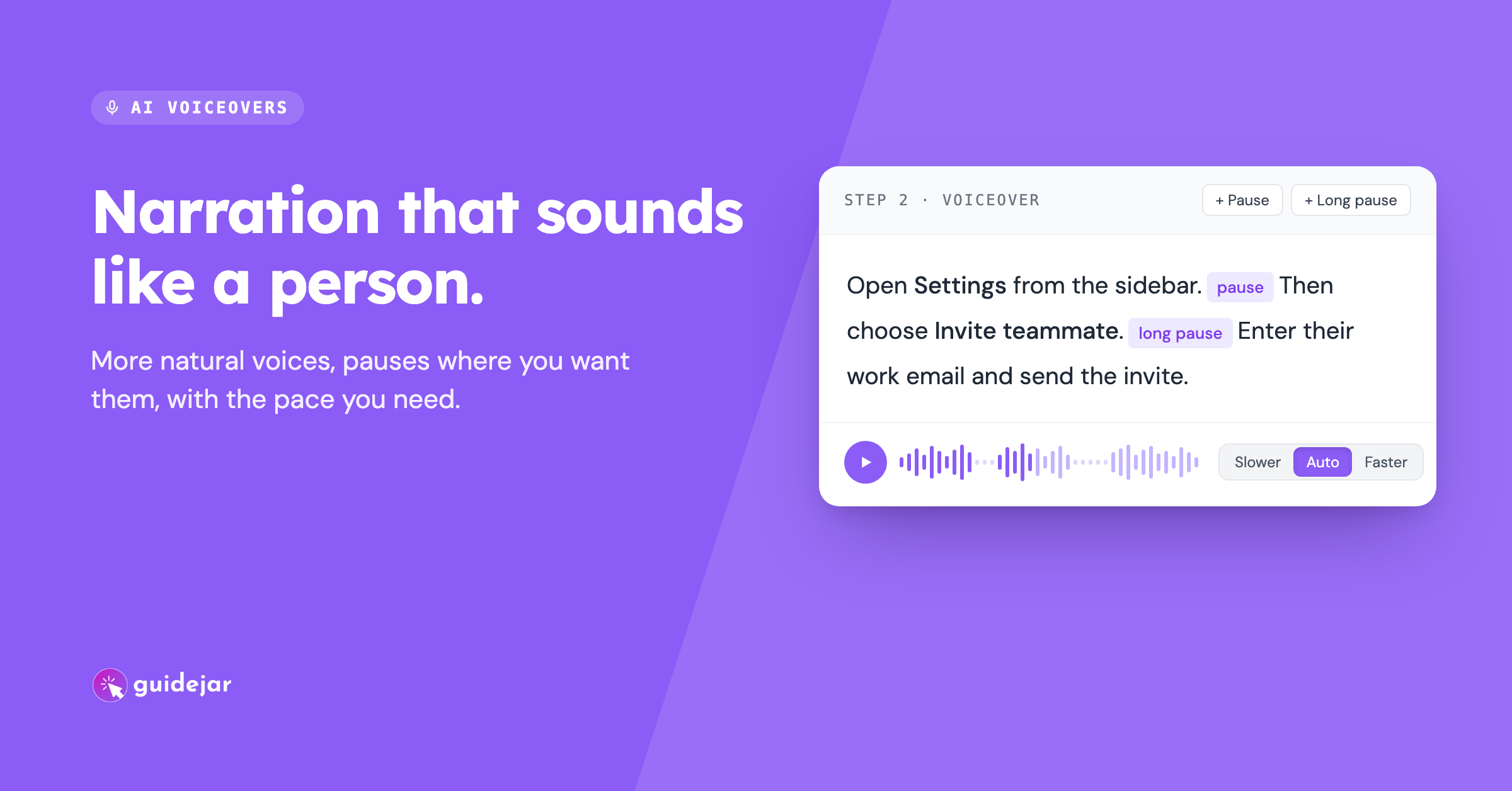
AI voiceovers used to read every step in the same steady voice. That's fine for a one-line instruction, but anything longer started to sound like a robot reading a list. This update lets you shape how your narration sounds as well as what it says.
More natural delivery
Voiceovers now run on a newer voice model, so narration sounds more like a person walking someone through the steps and less like text being read out.
Add a pause where it matters
Click Pause or Long pause in the voiceover editor, or type [pause] or [long pause], to give viewers a beat before the next instruction. Pauses show up as small chips in the script so you can see them at a glance.
Pick a pace
Every clip has a pace setting: Slower, Auto or Faster. Slow down the step with five fields to fill in and speed through the obvious ones.
A voice picker that's easier to browse
Filter voices by language and gender, and play a sample in the language you're narrating in before you choose. Your cloned voice has its own section.
A few voices are retiring
Some older voices are going away on November 30, 2026. They're grouped in their own section of the picker so they're easy to spot. Voiceovers you've already generated with them won't be affected and will keep playing as they do now. You only need to pick a new voice when you generate a new voiceover.
Note: AI voiceovers are available on all paid plans.