
new feature
Help Center: Documentation Layout
This new design replaces the classic full-screen guide view with a powerful left-hand navigation panel that remains visible all the time.
To enable the Documentation layout, just head over to your Help Center configuration and you'll find the Layout field under Appearance section.
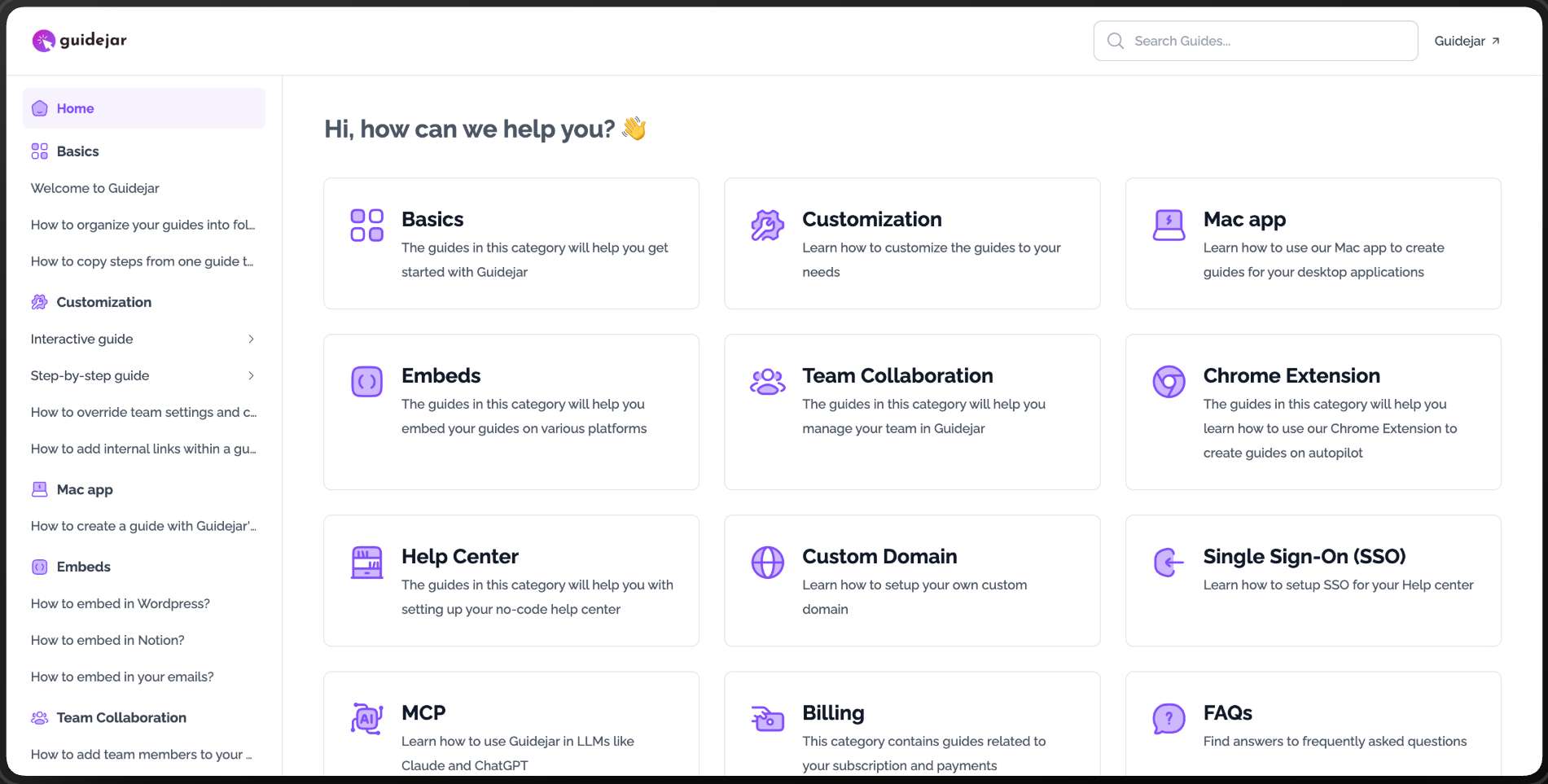
What this means for your users:
Structure at a Glance: Users can see the entire hierarchy of your help center content immediately, making complex knowledge bases easy to understand.
Faster Navigation: They can quickly jump between major categories and articles using the persistent sidebar without needing to return to the home screen.
new feature