
Introducing the all new 'Slide Editor' 🔥
You can now do so much more with your interactive demos. We've added a bunch of features to it and will keep adding more tools to this Editor. This editor plays an important role in the Video Export feature.
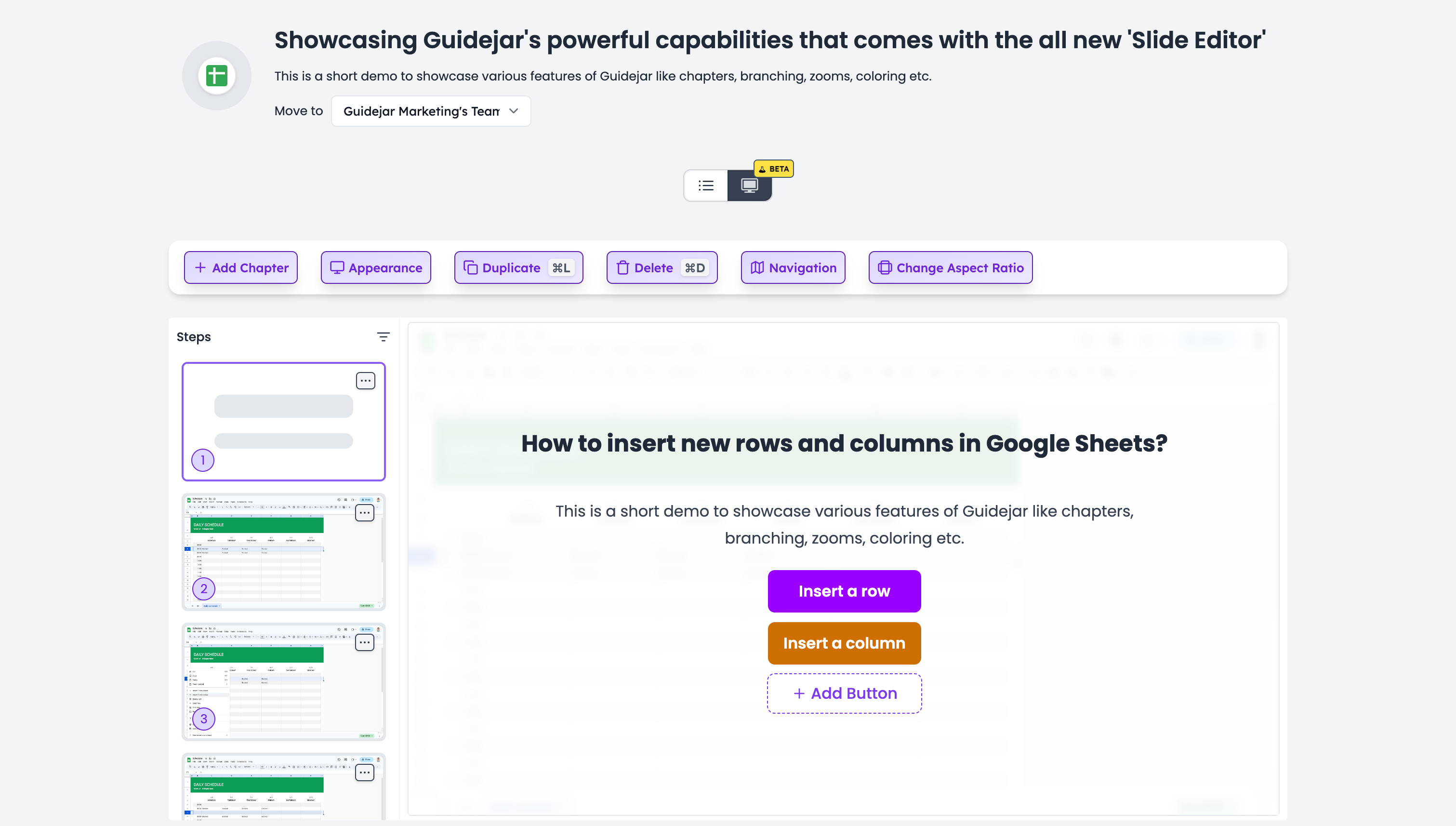
Some of the things you can do with the Demo Editor:
-
Add chapters with custom buttons linking to any step or URL
-
Change the marker size, marker & text bubble color for individual steps
-
Optionally use Markdown in text bubbles
-
Set custom zoom levels for individual steps (we love the animation ❤️)
-
Include your text-only steps, tips and alerts conditionally in the interactive demo view
-
Hide the bottom navigation bar, disable keyboard arrow key navigation etc.
-
Create multiple user journeys in a single demo ✨. Watch the below video to learn how to do this