
Import Steps from PDFs and Word Docs

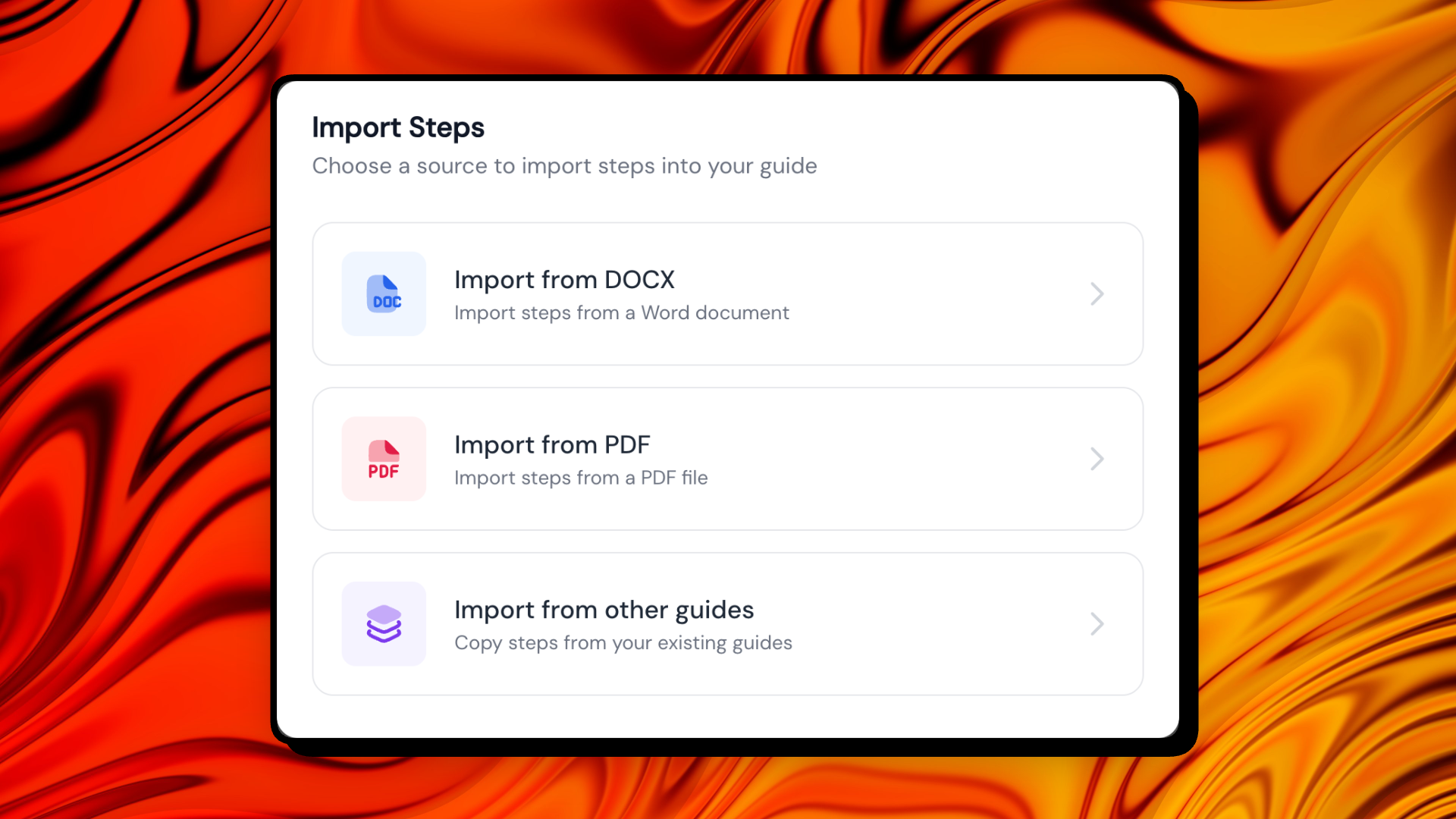
We know that half the battle of creating a great guide is starting from scratch—especially when you already have the info buried in a PDF or a messy Word doc. That’s why we’ve built a smarter way to bring your existing content to life.
You can now import steps directly from PDFs, Word documents, and even your other existing guides. Instead of constant copying and pasting, Guidejar AI does the heavy lifting by intelligently extracting text and images for you.
Here’s how it makes your life easier:
-
AI-Powered Extraction: Our AI scans your files to pull out clear steps and relevant images automatically.
-
Look before you leap: You’ll get a full preview of the extracted steps, so you can tweak the wording or swap images before importing.
-
Total Control: Choose exactly where you want the new steps to land—whether that’s at the end of your guide or tucked right into the middle of a specific section.
Give it a spin on your next guide and let us know what you think!