
Mar 5
Image Editor is not shrinking my image size
I scale the image down with the button, but when I save it is the same size.
Closed
I have an image that is loading into the guide very big. I'd like to shrink it down some. Imaging editor now has a magnifying glass allowing me to make the image smaller. When I press that button it does shrink down inside the editor. However, when I apply the change in the editor, the image has not changed inside the guide. It looks identical to before attempting the edit.
I see the confusion. The zooming functionality in the editor is just for helping you make more precise edits by zooming in/out the image. It doesn't actually make any changes to the image itself.
Aha! Then let me go add that as a feature request. :-D
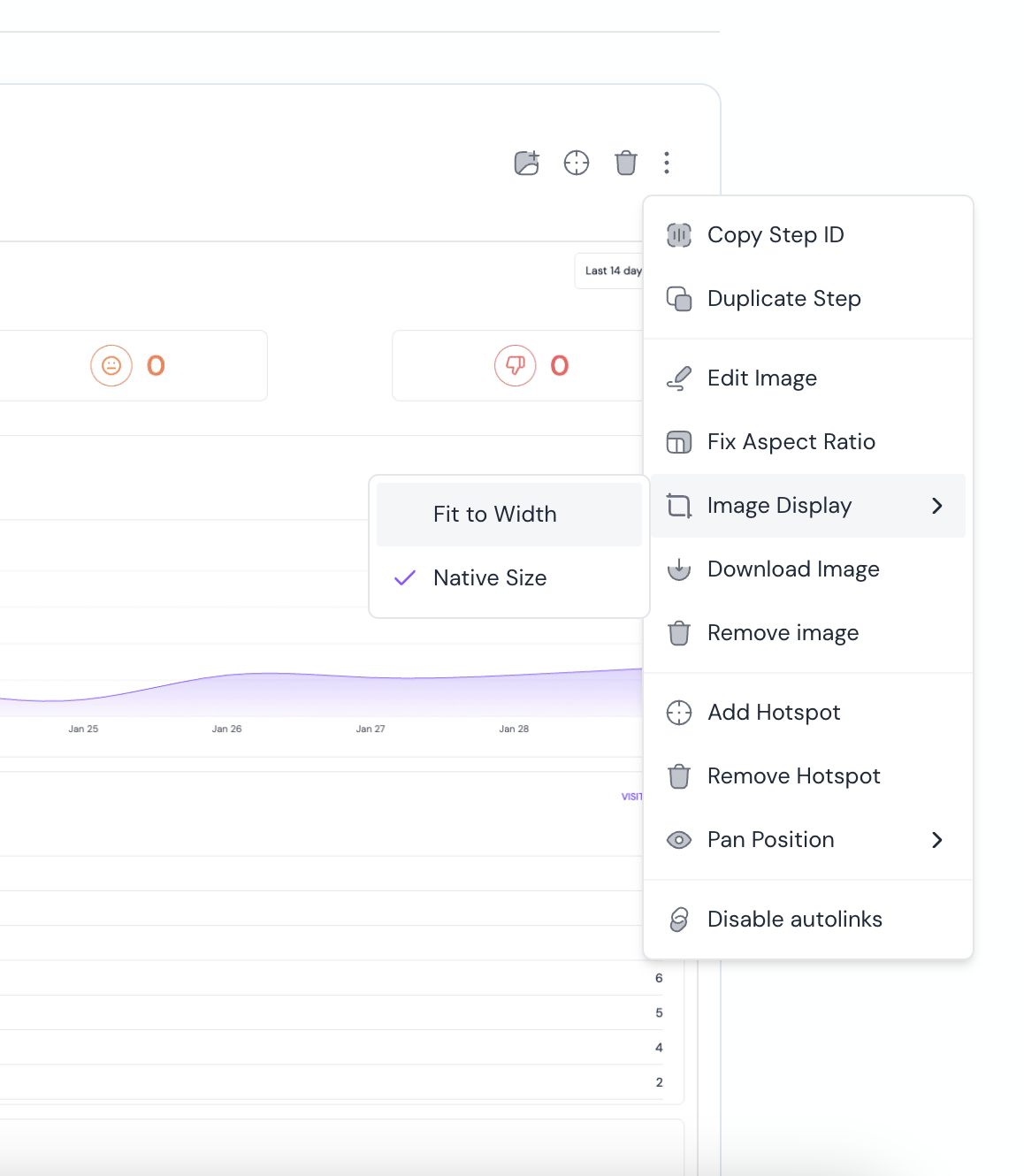
You could try changing 'Image Display' to 'Native size'. This will restrict enlarging images
Hi Becky, can you elaborate a bit more on what you did and what you're trying to achieve?
I do not have that as an option.