When uploading smaller images (screenshots of part of the screen), the image is resized so that it looks disproportionate. It would be interesting to center the image and add a solid background color.
Pending
Feb 21, 2024
I just noticed this same error, for the moment "I have solved it" by adapting images to 1920x1080px, centering myself and leaving the background with a flat color... Of course, this involves many additional steps when editing guides, ideally would be to have a solution from GuideJar that allows either to automatically center to the original size or to add "height" and "width" manually.

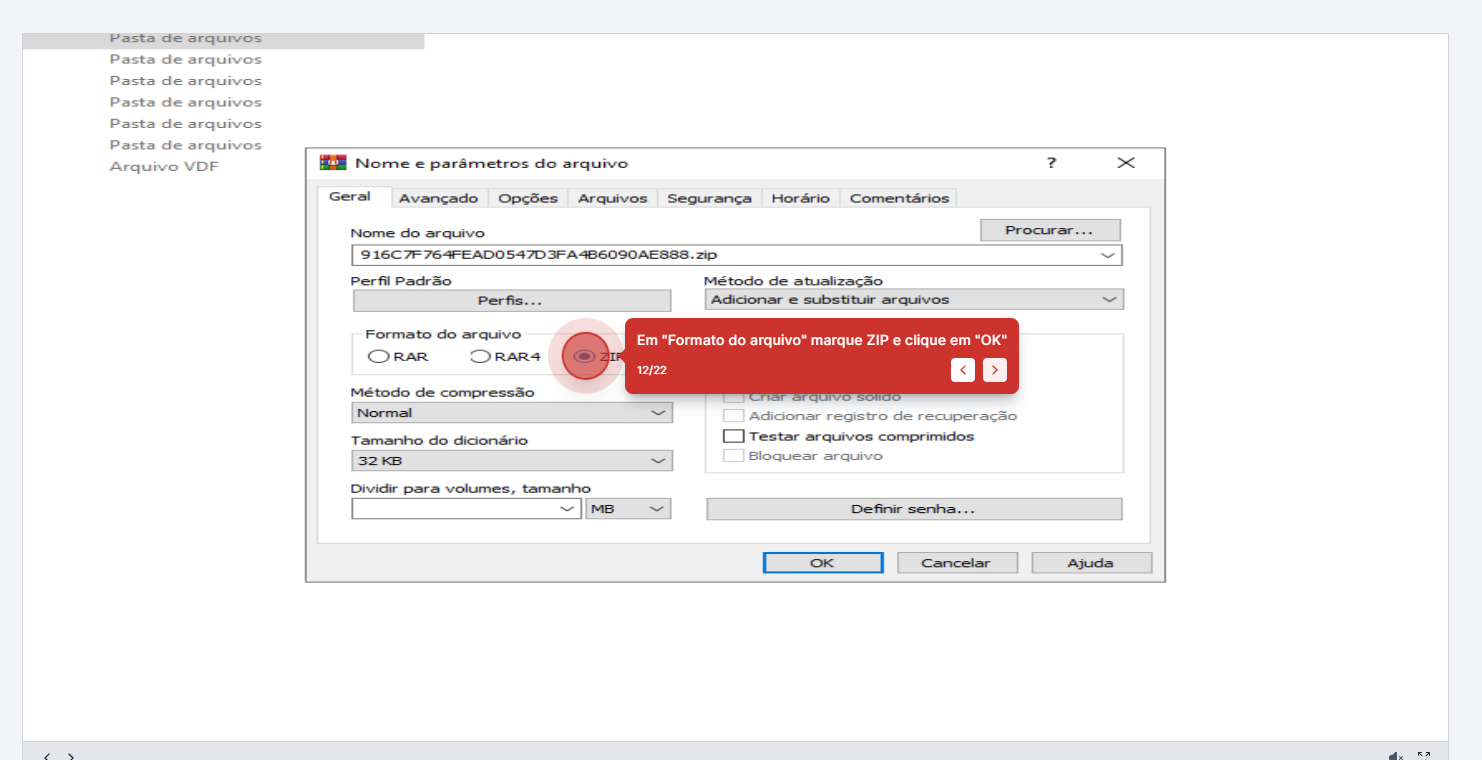
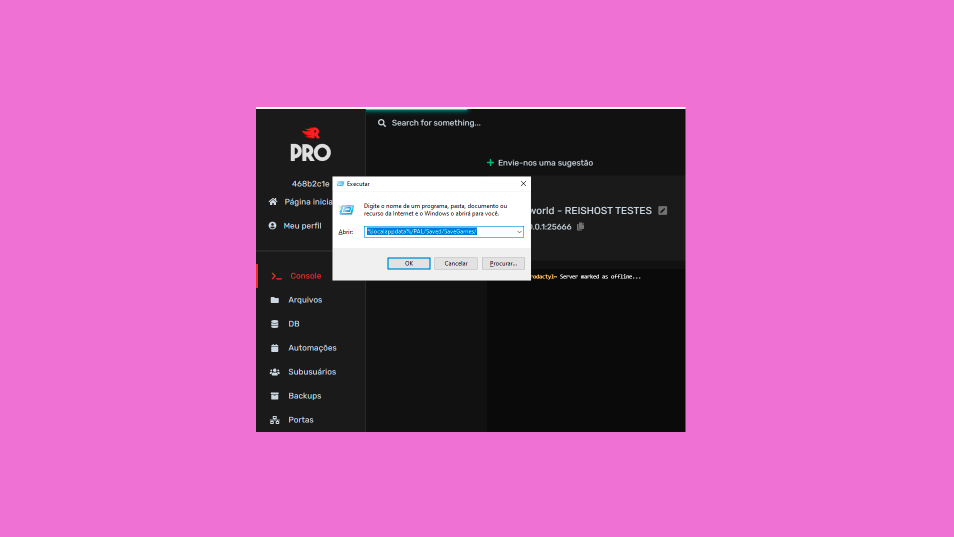
I just noticed this same error, for the moment "I have solved it" by adapting images to 1920x1080px, centering myself and leaving the background with a flat color... Of course, this involves many additional steps when editing guides, ideally would be to have a solution from GuideJar that allows either to automatically center to the original size or to add "height" and "width" manually.